An internal task and project tracker built for superadmin oversight across upCarrera, upCarrera Skills and TTII, connecting employee tasks, project progress and everyday priorities.
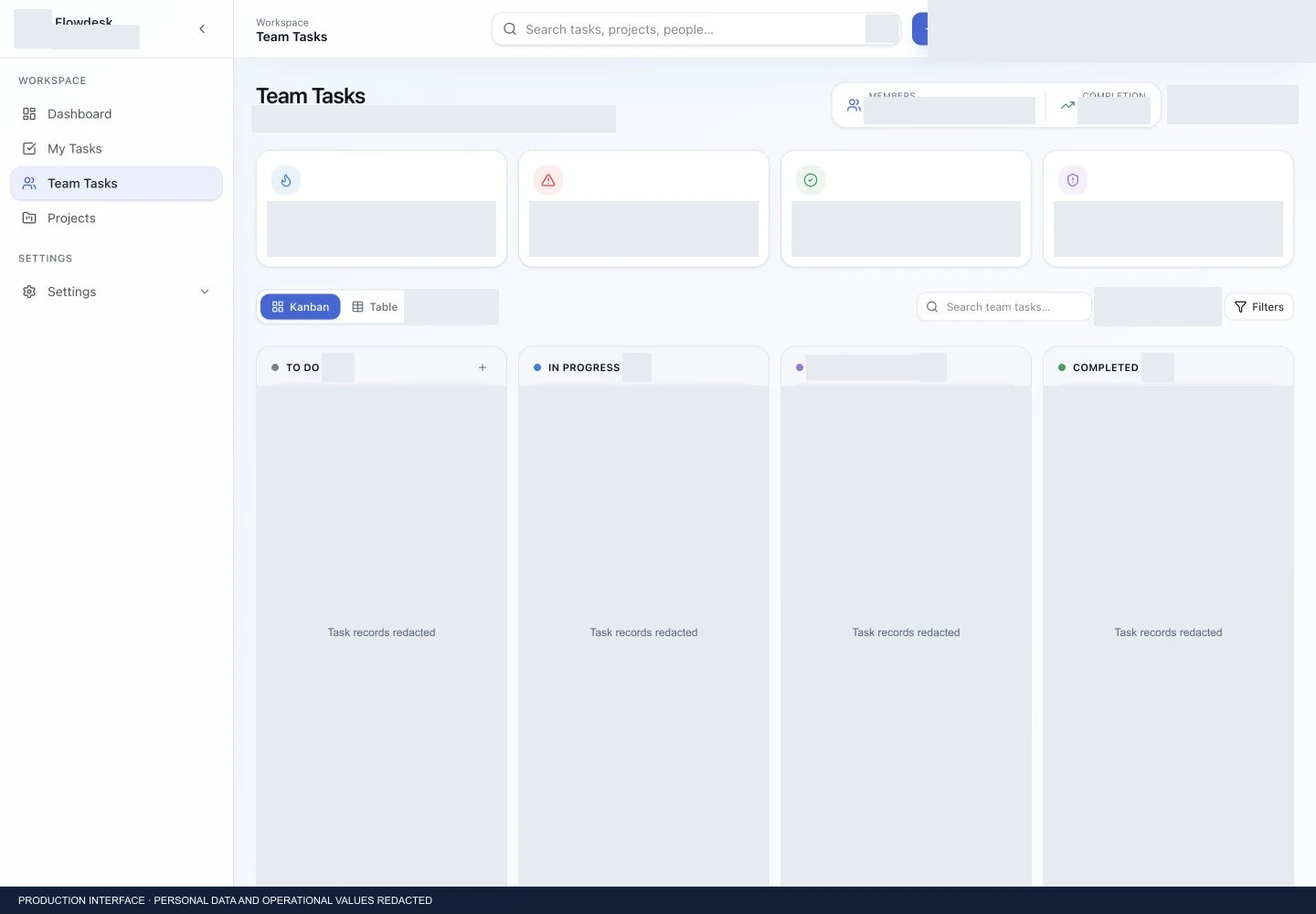 Production interface · employee data, task details and operational values redacted.
A connected
operating context.
An internal task and project tracker built for superadmin oversight across upCarrera, upCarrera Skills and TTII, connecting employee tasks, project progress and everyday priorities.
- Client
- upCarrera · upCarrera Skills · TTII
- System
- Internal operations / Task platform
- Focus
- Enterprise
- Visuals
- Redacted production screenshots
The moving parts.
Superadmin oversight spans employees, tasks and projects across three organisations. A shared tracker brings that work into a common context while giving personal tasks, team work and projects their own views.
Connected by design.
The visible workspace connects a dashboard, personal task view, team task workspace and project register. Task ownership, states, priorities and deadlines provide the operational context between them. The diagram below is conceptual; private backend and infrastructure details are not disclosed.
One system.
Distinct responsibilities.
Team task oversight
The team register brings assignment, department, task status, priority, due date and progress into one view.
Personal workspaces
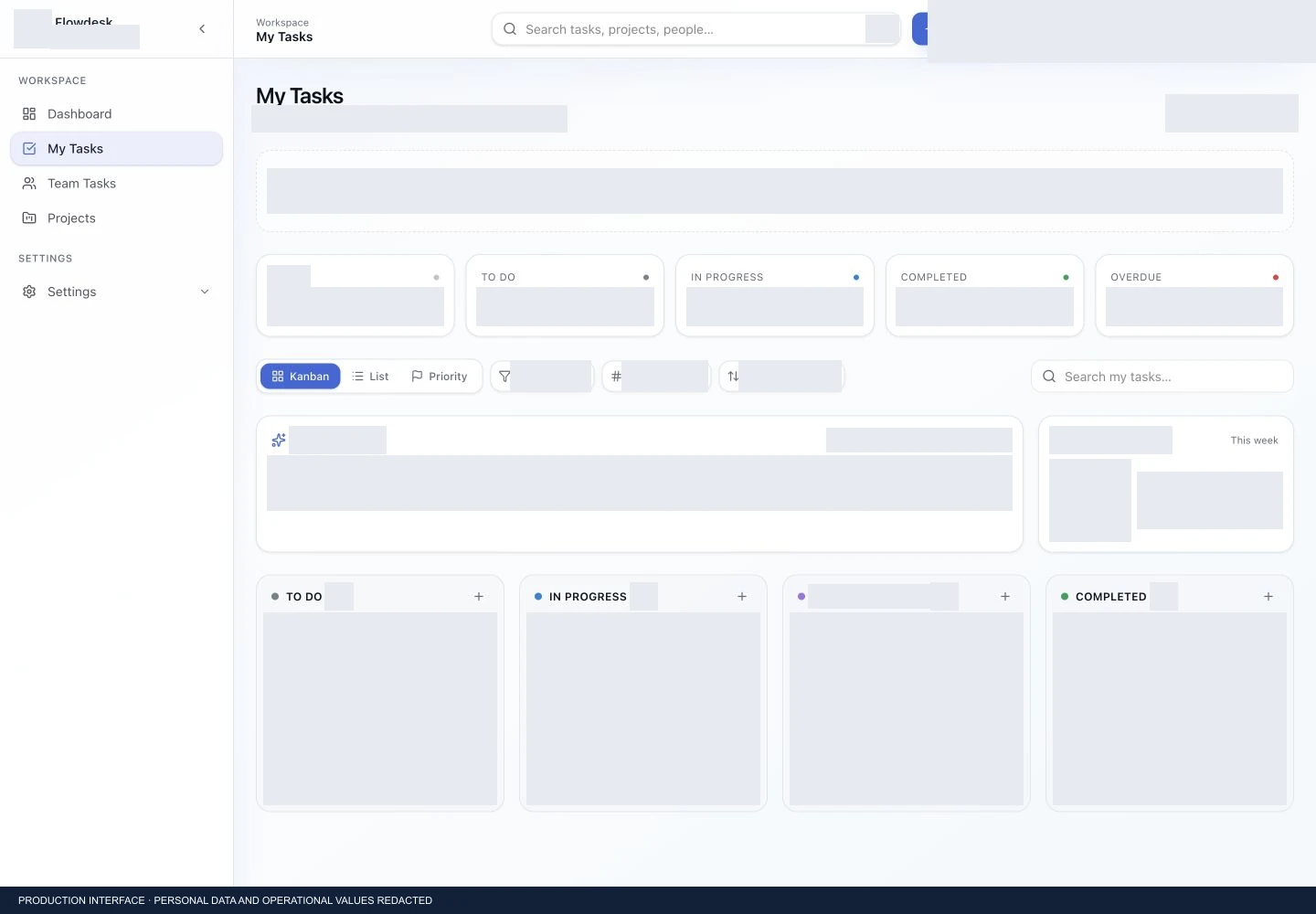
My Tasks gives individual work a dedicated context, with search and task-state organisation.
Kanban & table views
The team workspace offers both a visual task board and a structured register for different ways of reviewing work.
Project tracking
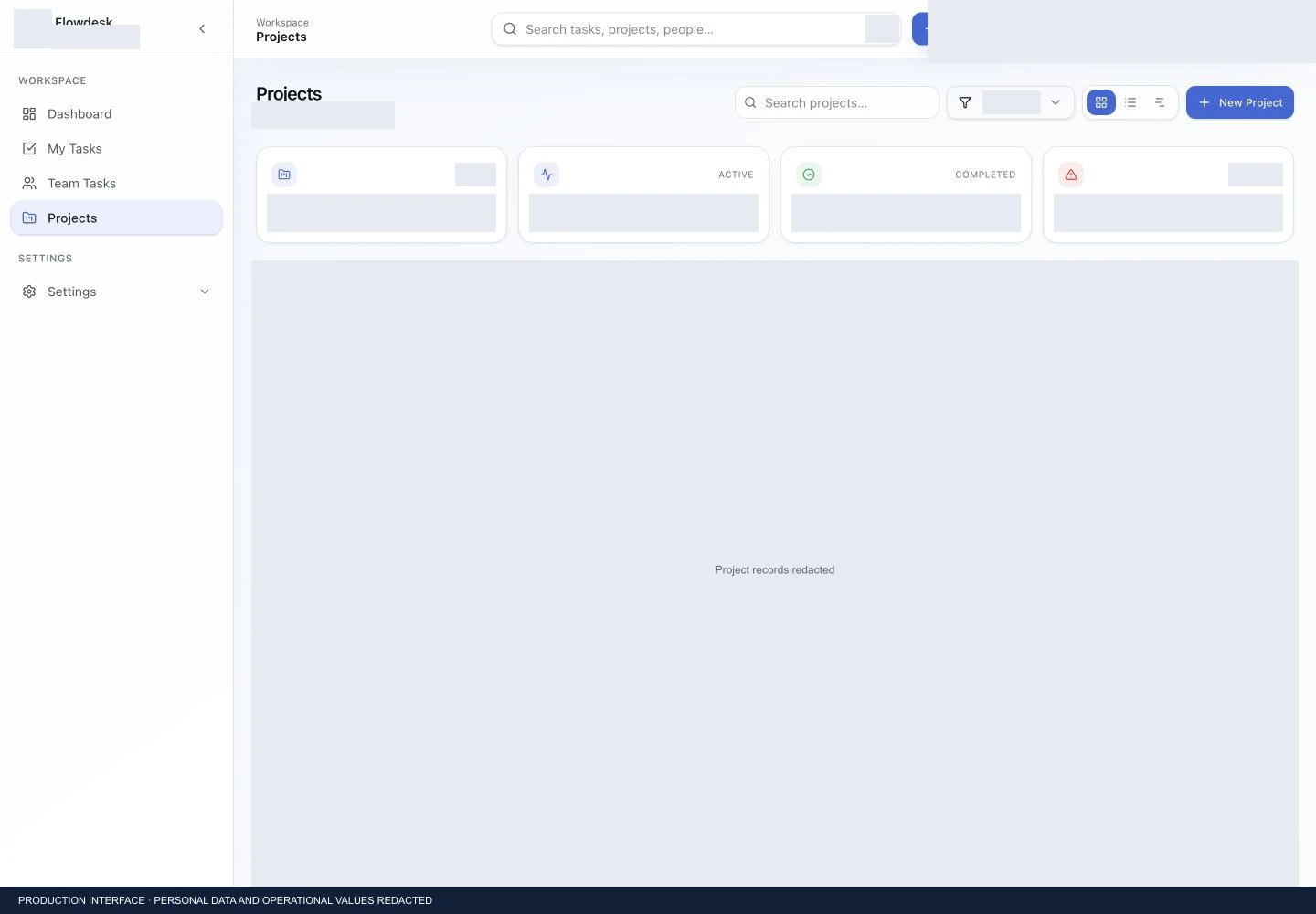
A separate project workspace brings project status and task progress into the wider operations context.
Priorities & deadlines
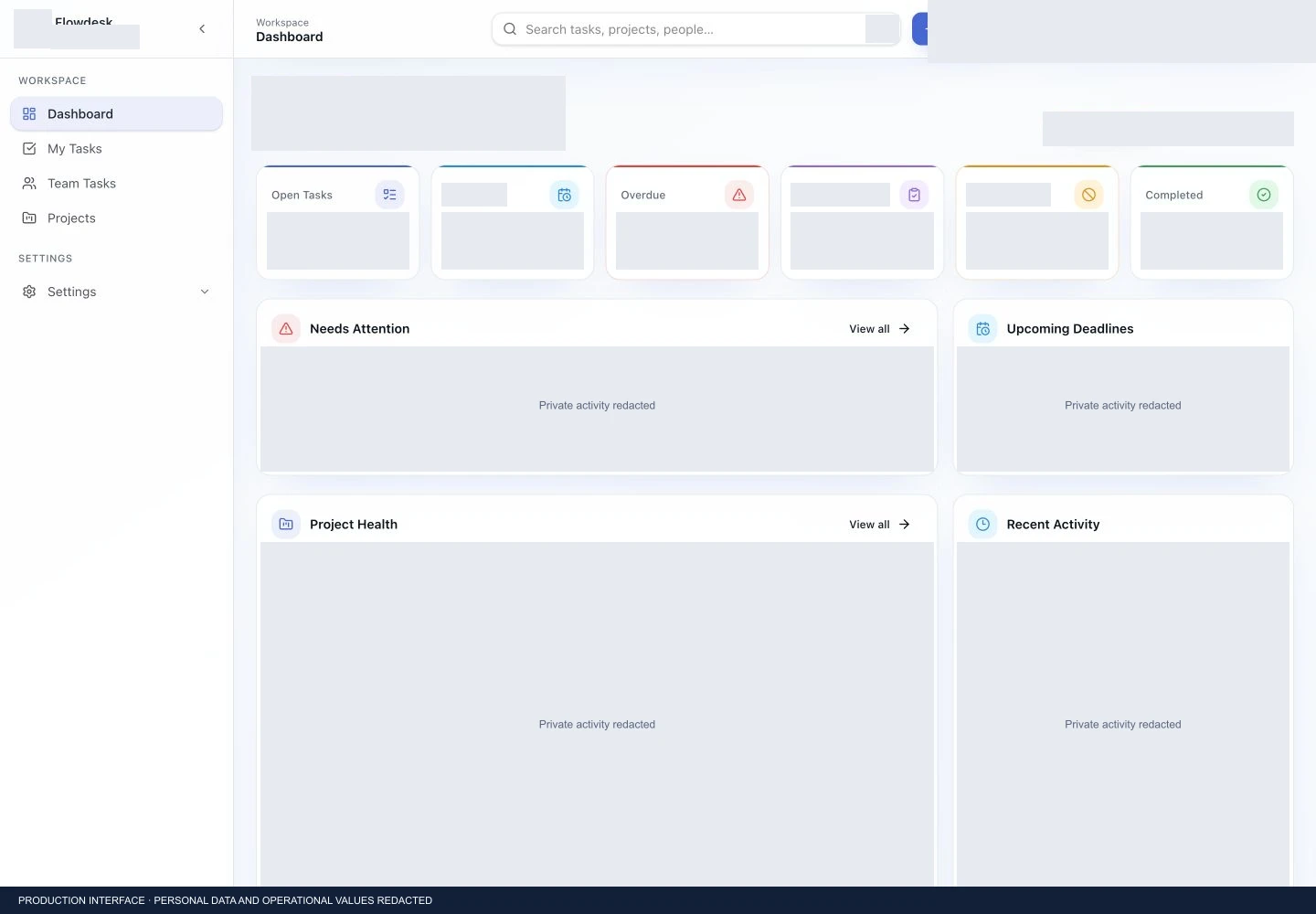
Priority and due-date fields sit alongside task ownership, while the dashboard highlights upcoming deadlines and items needing attention.
Operations dashboard
A shared dashboard connects attention queues, project health and recent activity for administrative oversight.
The right context
for each role.
A consistent sidebar connects the main workspaces. Team tasks can be reviewed as a Kanban board or table; project and personal work views keep their respective context. The public screenshots preserve the production interface while covering employee identities, internal task content and live values.
From task to outcome.
Task → Assigned employee → Status and deadline
Team task board ↔ Structured task register
Project context → Task progress → Administrative overview
Engineering categories.
Web application / Task workflows / Internal operations
Detailed project stack and infrastructure information can be published after verification and approval.
A view into the system.

A platform,
with a purpose.
A working internal tracker providing shared visibility into team and project work across upCarrera, upCarrera Skills and TTII. The walkthrough demonstrates the inspected interface without publishing employee information or making unverified productivity claims.